
Citrix Receiver and StoreFront error messages are sometimes confusing or lacking details so I decided to make little blog notes about common issues when I see them. So without further ado here’s #1:
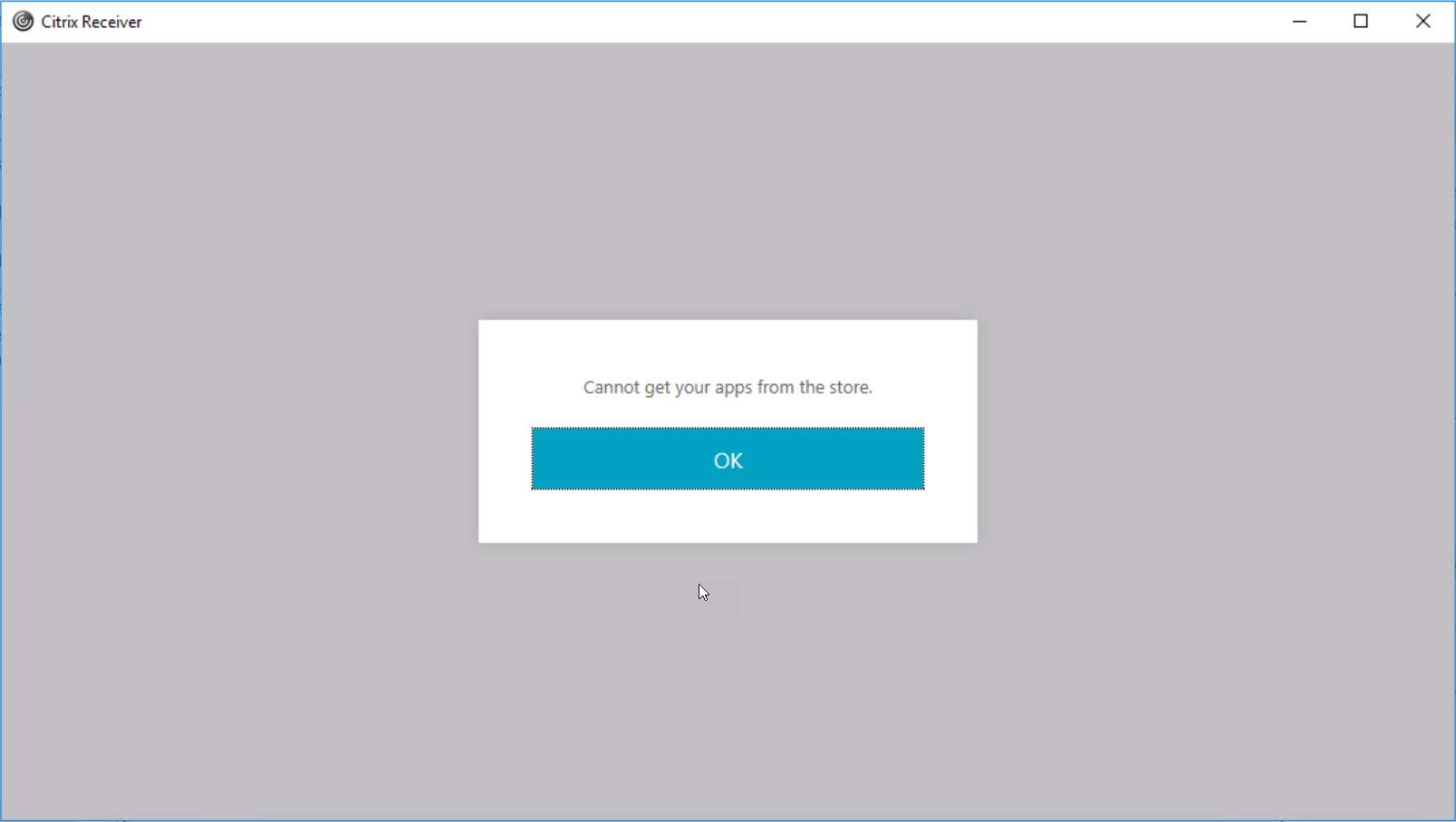
In Citrix Receiver I tried to logon remotely via NetScaler Gateway and got the following error message: “Cannot get your apps from the store”
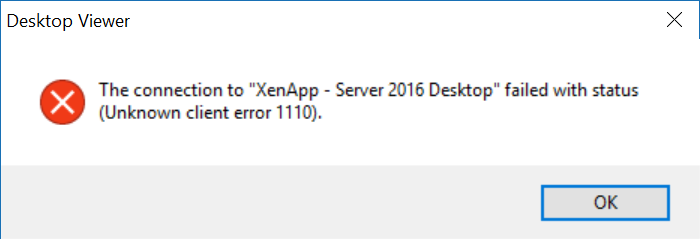
When using a browser to connect the error message was different:
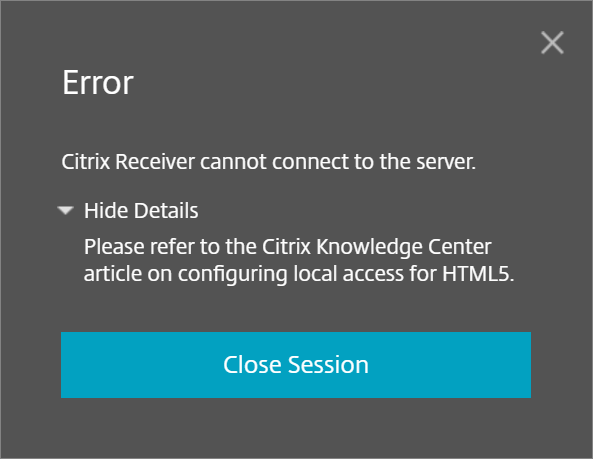
Using HTML5 (“Light Version”) it simply said: “Citrix receiver cannot connect to the server”:
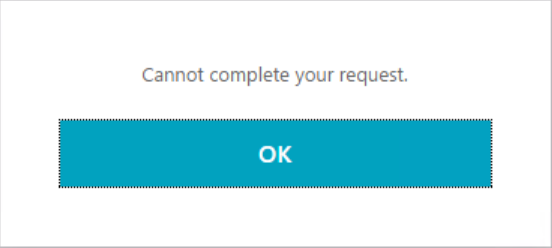
Connecting to StoreFront directly from the internal network gave yet another error, either “Cannot complete your request” or just a wait cursor
In the Citrix Delivery Services EventLog I could see Event ID 9 Citrix Credential Wallet Service:
![An unexpected error occurred retrieving the credentials. System.Collections.Generic.KeyNotFoundException, mscorlib, Version=4.0.0.0, Culture=neutral, PublicKeyToken=b77a5c561934e089 The given key was not present in the dictionary. at System.Collections.Concurrent.ConcurrentDictionary`2.get_Item(TKey key) at Citrix.DeliveryServices.CredentialWallet.InMemory.InMemoryWallet.get_Item(Index index) at Citrix.DeliveryServices.CredentialWallet.Service.CredentialWalletService.Retrieve(Byte[] index)](/blog/wp-content/uploads/2017/02/img_5899c776e0c75.webp)
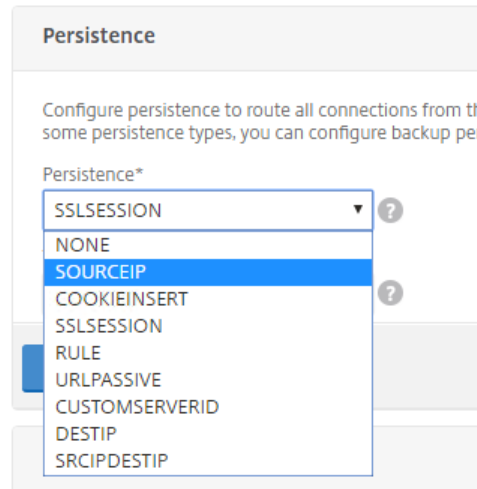
To change this go to Traffic Management -> Load Balancing -> Virtual Servers, select the entry for StoreFront and click Edit.
In the Persistence Tab change from SSLSESSION to SOURCEIP and click OK, followed by Done (and save the running config).
From the commandline:
set lb vserver <name> -persistenceType SOURCEIP

Example:

set lb vserver LBVS_StoreFront -persistenceType SOURCEIP
