
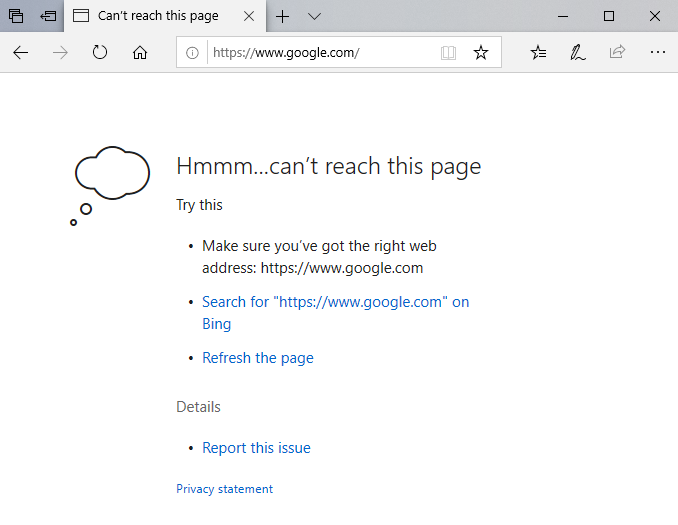
I had a strange issue today: I couldn't open any webpage in the Edge browser on my Windows 10 machine:
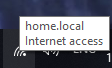
The network icon was showing that there was Internet access and a quick check on the command prompt showed that the connection (including name resolution appeared to work fine):
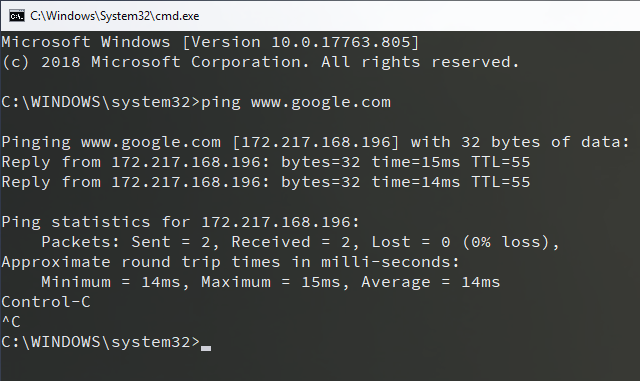 www.google.com
Pinging www.google.com [172.217.168.196] with 32 bytes of data:
Reply from 172.217.168.196: bytes=32 time=15ms TTL=55
Reply from 172.217.168.196: bytes=32 time=14ms TTL=55
Ping statistics for 172.217.168.196:
Packets: Sent = 2, Received = 2, Lost = 0 (0% loss),
Approximate round trip times in milli-seconds:
Minimum = 14ms, Maximum = 15ms, Average = 14ms" class=“wp-image-4338”/>
Other browsers such as Firefox (my default browser) and Chrome also worked fine but some other Microsoft applications also didn't work such as the Microsoft Store:

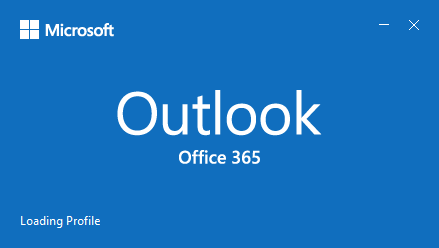
And Outlook which seemed to be stuck at "Loading Profile":
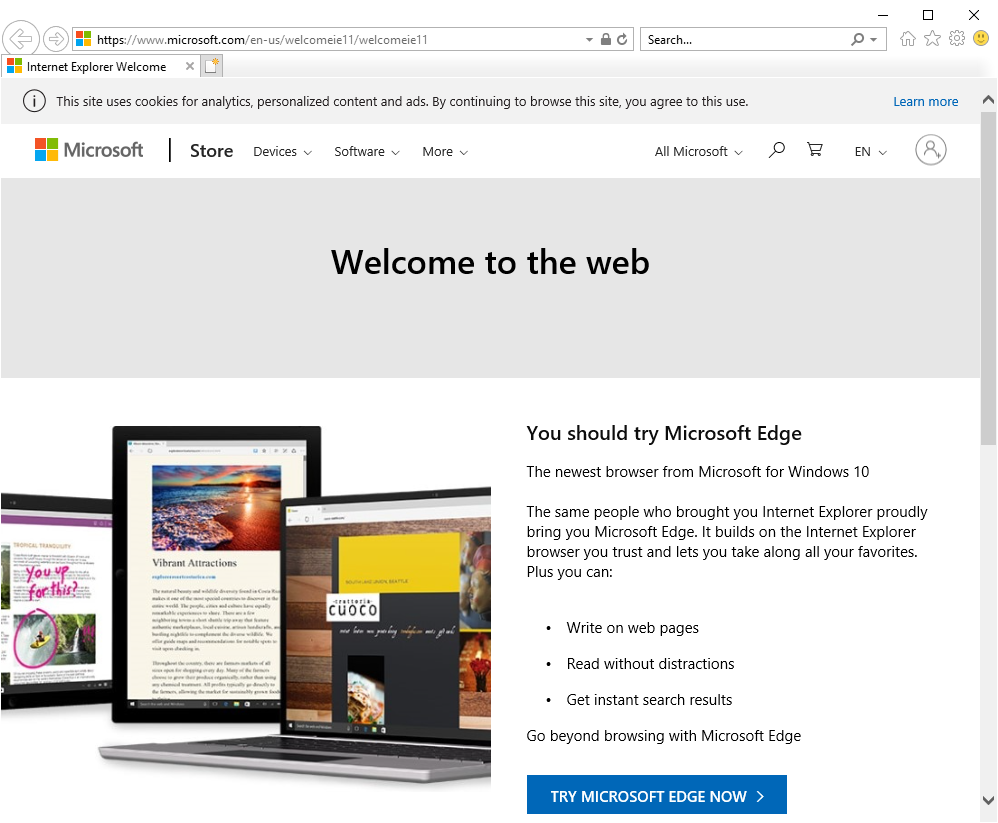
Strangely enough good old Internet Explorer also worked fine (it opens on the Welcome page as I never use it):
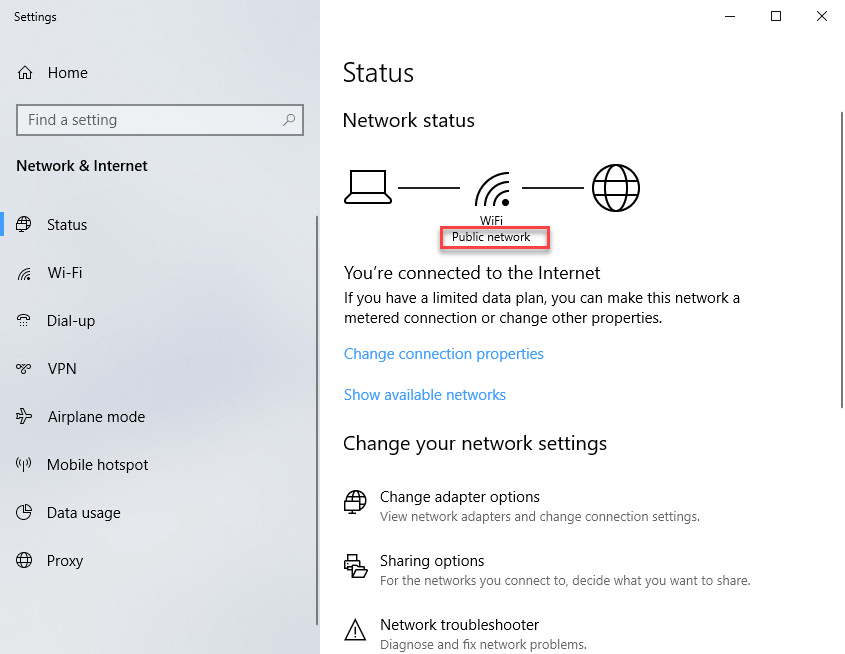
When I switched the network to Private, Edge immediately loaded the page and the Outlook splash screen disappeared and it's main window popped up.
Unfortunately I do not have an explanation (yet) for this strange error, I can only say it happened after updating VMware Workstation which may or may note have anything to do with it.
EDIT: 18-10-2019: Switched back to Public profile and everything stays working including Edge and Outlook.
I'll update this post if/when I find out more...

We are seeing issues with an Microsoft patch for October Windows 10 1809 CU (KB4519338). Uninstalling it resolved our issue, may not be the same issue you are having.