
It's been a while since I last wrote a post but it does feel good so I'm expecting to pick up blogging in a more regular cadence soon!
This one is a quicky though, as I had an annoying issue with Ubuntu 22.04 VM's running on VMware workstation.
Every time I attempted to paste a (larger) file from the host it would crash Ubuntu's File Explorer (Nautilus):
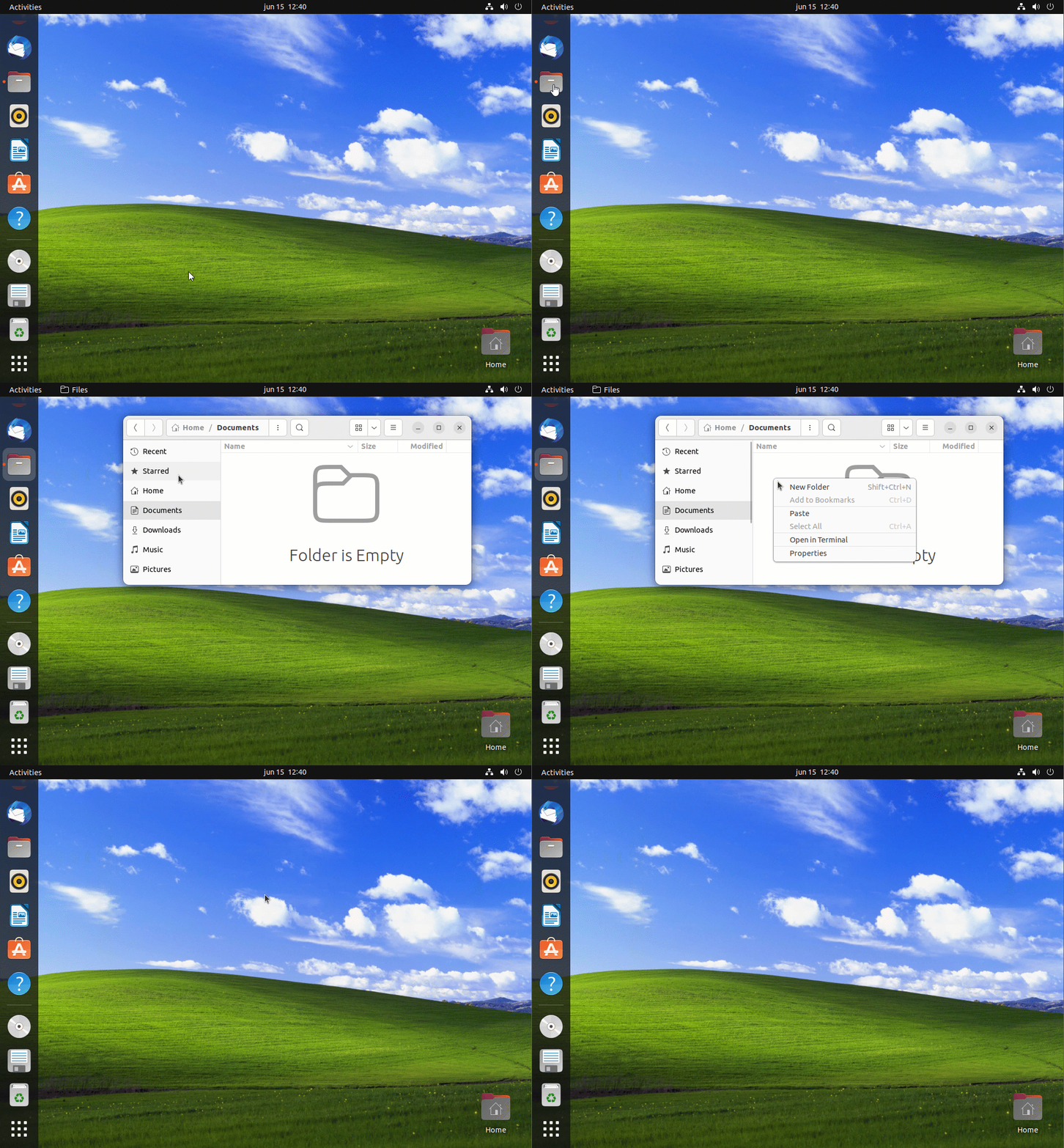
Fortunately I found a workaround:
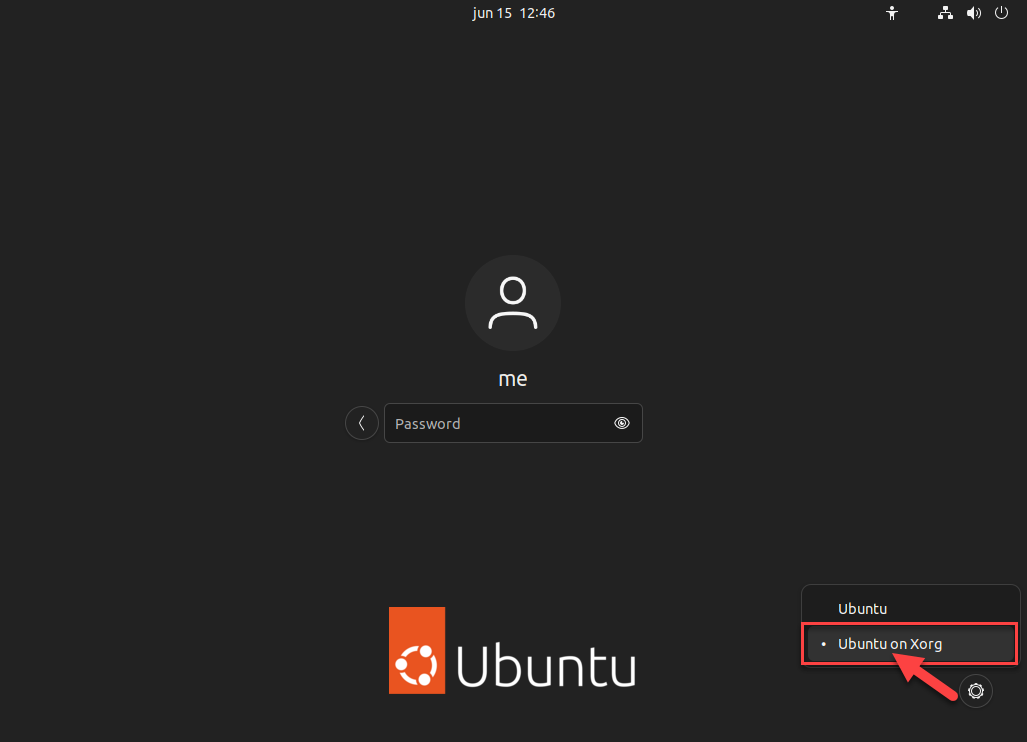
Logout and on the login screen click the settings icon (if you have multiple users, click your username first) and change the Desktop option from "Ubuntu" to "Ubuntu on Xorg":
Much better:
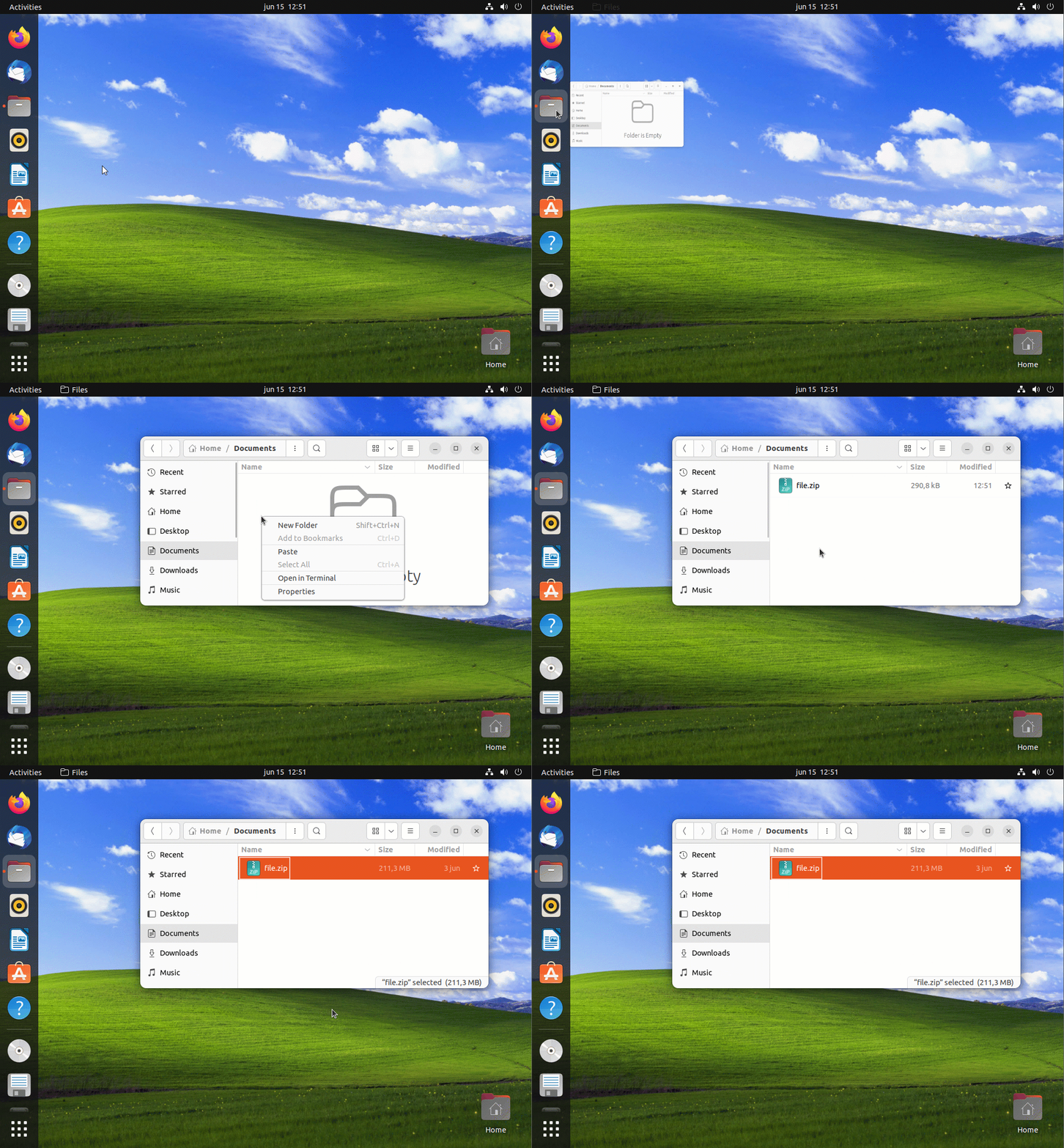
And that's it! A simple desktop environment change fixes the VMware file copying issue in Ubuntu 22.04.
