
Sometimes I want to download a video from a website for offline usage, for example when I want to watch it whilst travelling.
Most video websites don't want you do download videos as they of course want to show their ads and receive the clicks. I am not discussing the legal side here, up to you to check if it's legally allowed to download the video you're interested.
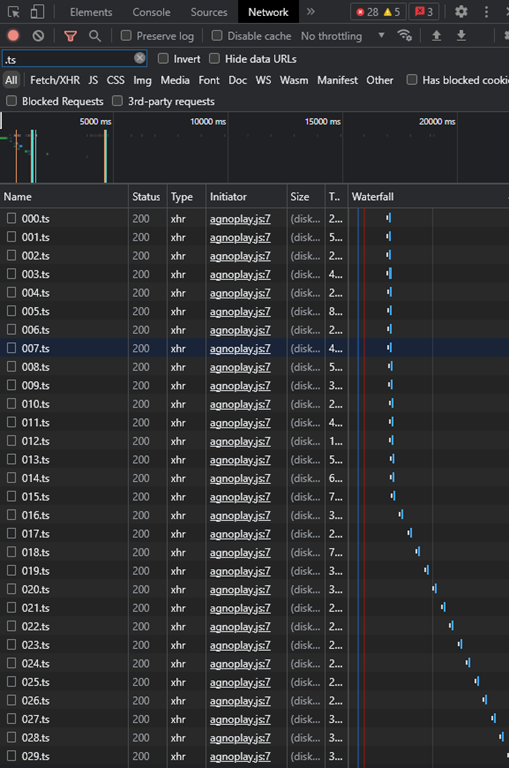
A very common way to make direct downloading of a video more difficult is to cut a video in many small video files (.ts files). Here's an example screenshot of the Chrome developer view whilst playing a video from a popular Dutch website called Dumpert, filtering on .ts:
You can of course manually download al the .ts files and re-encode them to a single video file but it would be a lot of work.
The most common way to do this automatically is to use a browser extension or a separate application but in many cases they are either ridden with ads or malware.
So let's see if we can do this ourselves.
We will need the following tools:
Just the 2 binaries will work, in my case (Windows) youtube-dl.exe and ffmpeg.exe which can you place in the same folder.
First step is to realise that the website needs to know which .ts files to serve, in what order etc which is usually done with some javascript and an m3u8 playlist.
So let's look in the developer view again and filter on m3u8:
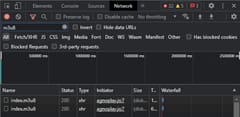
If you right-click on the m3u8 file you can choose Copy -> Copy Link Address.
Then you can inspect the m3u8 file using youtubedl -F URL:
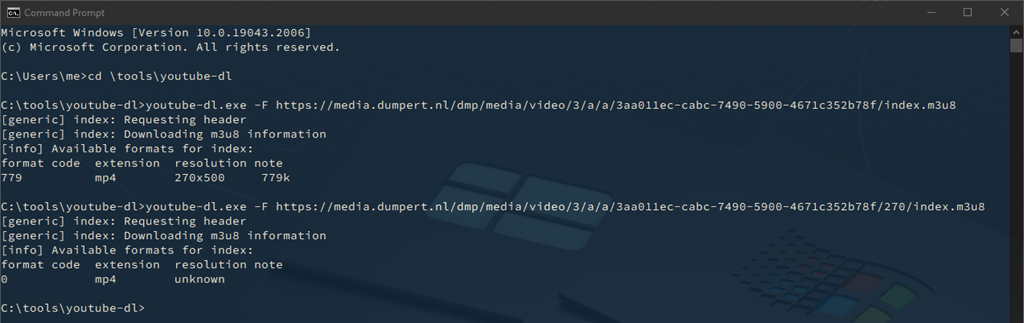
If the video is available in multiple resolutions or formats you can see multiple entries but in this case there's only one so that's the one we want to download.
Use youtubedl.exe --format ID URL (URL of the m3u8 file)
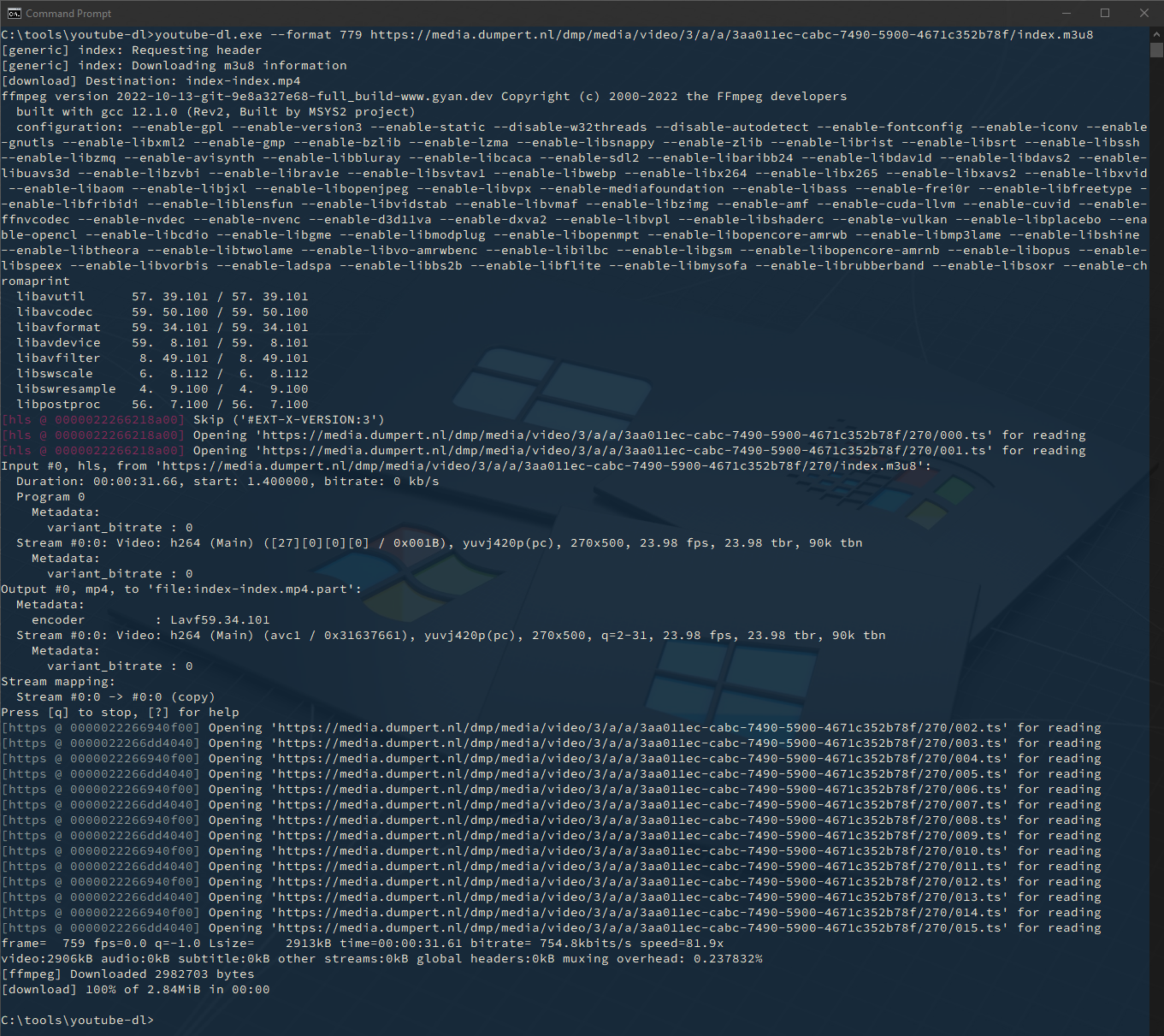
And, thanks to this clever tool, that's all there is to it!
